If you use Facebook to send people to your website, a limit on the number of links you can share could have a real impact on your marketing. You might want to promote a product, fill places on an event and share a useful article, all in the same month.
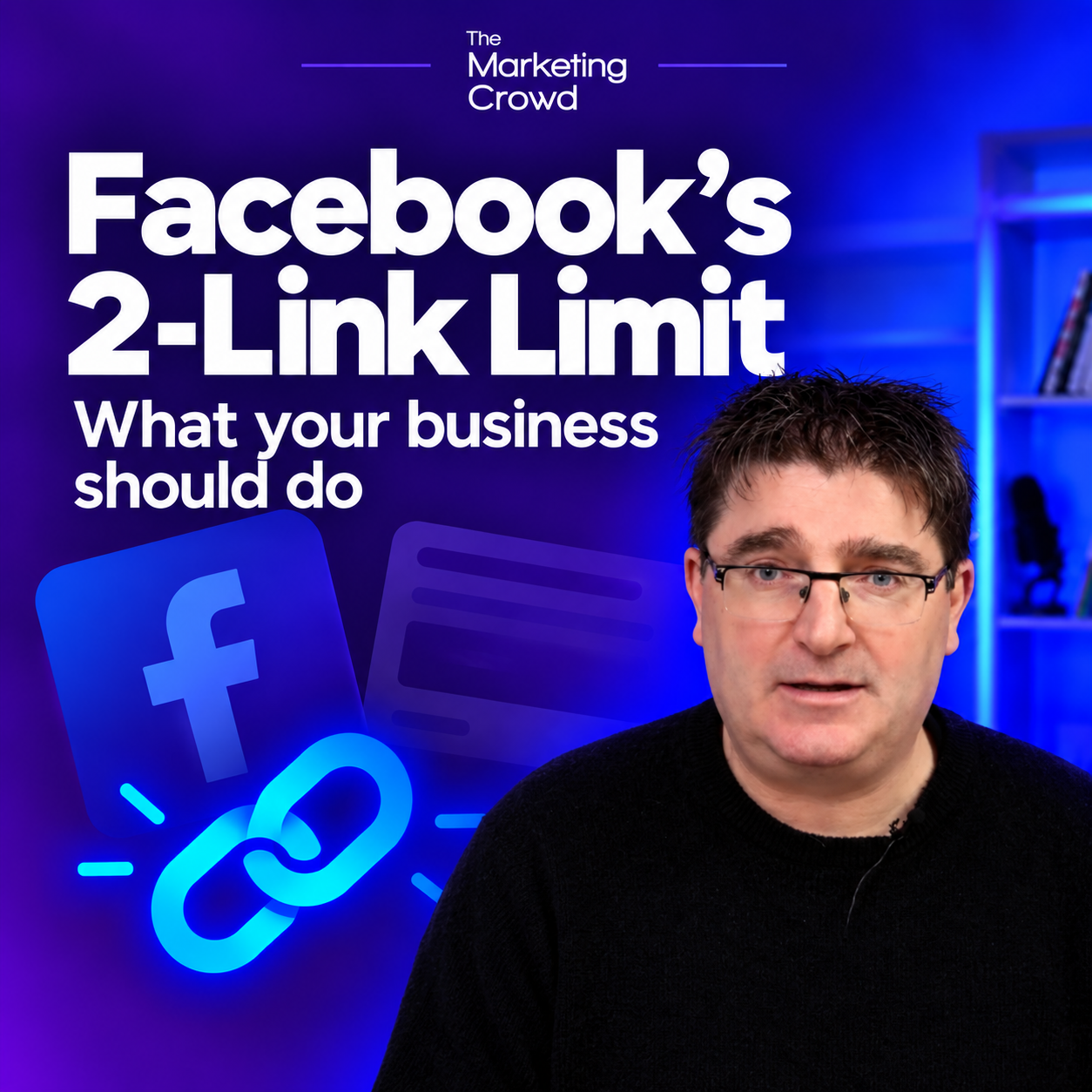
In the video below, I explain the two-link restriction being introduced for affected Facebook accounts as part of the move towards Meta One subscriptions. My advice is to plan which links matter most and make your website work harder for you.
Check what applies to your own Page before changing your plans. Meta says its subscription features, pricing and availability can vary by region, app and account. The video was published on 8 October 2026; its reference to rollout “in the next couple of weeks” relates to that recording, rather than a new confirmed date for every Irish business.
Watch the short video
Watch the video on Instagram if the player does not load.
What is Meta One?
Meta One is Meta’s subscription service covering additional features across its apps. There are four business and creator plans: Essential, Advanced, Expert and Max. Meta lists links in organic posts and Reels among the publishing features of its Advanced plan.
That does not mean you should immediately take out a subscription. Check the allowance and features shown for your own account, and whether the plan you are considering actually includes what you need. You can read Meta’s announcement and its notes on availability here.
1. Save your links for the things that are most important
If your Page is limited to two links a month, you need to decide where those links can do the most for your business.
For example, a boutique might prioritise a new occasionwear collection and an upcoming customer event. A trainer might use the links for a course booking page and a new membership offer.
Before you publish a link, ask yourself: what do I want people to do when they click? Buy, book, enquire or sign up? Give each link a clear purpose and make sure the page you send people to helps them take that next step.
My advice is to look ahead at your main promotions for the month. Otherwise, you could use your allowance on something relatively minor and have no links left when you want to promote something more important.
2. Make the promotion easy to find on your homepage
The second tip in the video is straightforward. When you cannot include another clickable link, you can tell people to visit your website for more information.
But this only helps if they can quickly find what you have just promoted. If you mention an event on Facebook, put a clear link to that event near the top of your homepage. If you show a new product range, make that range easy to reach.
Be specific in your post. For example: “Visit our website and choose Christmas Workshop on the homepage.” That gives people a clearer route than simply saying “see our website”.
Check the journey on your phone. Can someone arriving on your homepage find the relevant button without having to search through menus or scroll past several unrelated sections?
Should your business pay for a subscription?
I would start by looking at how much business your Facebook links currently generate. If they regularly lead to sales or bookings, an appropriate paid plan may be worth considering. If you rarely get website visits from them, another monthly subscription may not be your first priority.
You can still use your content to answer questions, show products, demonstrate your expertise and build trust. Plan those posts alongside the occasions when you want people to visit your website.
The practical action for now is to check your Page’s current allowance, decide which promotions deserve your links and make sure your homepage clearly supports those promotions.
If you would like practical training on Facebook, websites and the other main areas of digital marketing, you can find out more about our Digital Marketing School here.
About the Author – Evan Mangan

ABOUT THE AUTHOR – EVAN MANGAN
Evan Mangan is a digital marketing trainer with over 25 years’ experience in marketing and business growth. Before founding The Marketing Crowd, he worked in London on major campaigns for leading global brands, gaining deep experience in marketing strategy, consumer behaviour, and digital communication.
For the past 15 years, Evan has trained thousands of Irish small business owners in social media marketing, SEO, AI tools, and online growth. His workshops are practical, jargon-free, and focused on delivering real, measurable results for small businesses across Ireland. He also runs the AI Marketing Academy, helping business owners adapt to the new AI-driven world of marketing.